Column · @aiimagevideospace
How to Animate Still Images with Realistic Motion and Sound
Turning a single photograph into a short video clip used to require expensive software, hours of manual work, and a good understanding of animation techniques. Today, a new category of tools makes it possible with a few clicks, opening up creative possibilities for content creators, marketers, and anyone who works with images. The core technology behind these tools is often referred to as ai image to video, and it is changing how people think about visual storytelling.
At its most basic level, an image-to-video AI takes one or more still pictures and generates a sequence of frames that show movement. The movement can be subtle, like leaves swaying in the breeze or a person blinking, or more dramatic, like a car driving down a road. The key challenge for these systems is maintaining what experts call temporal coherence, meaning the subject in the video stays consistent from frame to frame. Without it, the output looks jittery, objects morph into something else, or the scene loses its connection to the original image.
This is where the concept of motion consistency comes into play. A well-designed image-to-video tool does not just warp the original picture in a random way. It understands the structure of the scene, identifies which elements should move and which should stay still, and then animates those elements in a plausible manner. For instance, if the input is a portrait, the tool should animate the hair or the background without distorting the person's face. If the input is a landscape, the clouds should drift and the water should ripple, while the mountains remain solid. Achieving this level of control requires a model trained on a large dataset of real videos, so it learns how objects behave in the physical world.
What Happens Under the Hood
When you upload a still image to a modern video generation tool, the software does not simply copy the image and paste it into every frame. Instead, it uses a technique called animation transfer. The AI analyzes the image, breaks it down into features like edges, textures, and color regions, and then predicts where those features should be in the next frame based on a motion pattern. The motion pattern can be provided by the user, for example by drawing a direction on the image, or it can be inferred from the content itself, such as a model that detects a human pose and expects the arms to swing while walking.
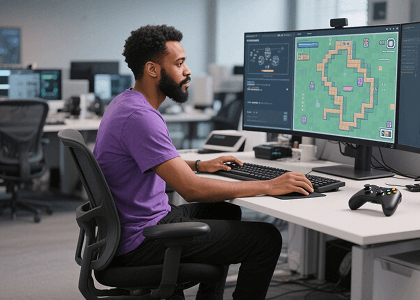
The process happens multiple times until the desired number of frames is generated. Each new frame is checked against the previous ones to ensure that the scene remains recognizable. This is the part that separates good tools from bad ones. If the AI loses track of the original image's layout, the video will drift into something unrecognizable. The best systems use a latent space representation, a kind of compressed memory of the image, to keep the core identity of the subject intact while allowing natural variations in motion.
Another factor that greatly improves the final result is cinematic audio. Many people overlook sound when creating video from a still image, but audio adds a layer of realism and emotional depth that visuals alone cannot achieve. Some generators now include the ability to either generate ambient sound that matches the scene or let users upload their own audio track. For example, a quiet forest picture can be paired with birdsong and wind, while a city street scene might get traffic noise and distant sirens. Syncing the audio with the generated motion, such as having a car sound coincide with the car moving across the frame, is still a challenging problem, but the technology is improving fast.
For content creators, the appeal of an ai image to video tool is the speed and flexibility it offers. A marketer can take a product photo and turn it into a short promotional clip in minutes, rather than waiting days for a video production team. Social media managers can repurpose a single event photo into multiple short-form video content pieces for different platforms. Artists can use the tool to bring their static compositions to life, exploring how a painting might look in motion before committing to a full animation.
Practical Tips for Getting Good Results
Not every image is a good candidate for animation. The ideal input has a clear subject, a simple background, and enough texture to give the AI something to work with. Images with large areas of uniform color, such as a solid blue sky or a blank wall, often produce motion that looks artificial, because the AI has no features to track. Similarly, images with many small, overlapping objects, like a crowd of people or a field of flowers, can confuse the model and lead to a noisy output.
When choosing the type of motion to apply, less is often more. A gentle pan across a landscape or a subtle zoom into a face feels natural and is easier for the AI to execute well. Fast, complex movements, like a person running or a ball bouncing, require a higher level of temporal coherence that many current tools still struggle with. Starting with simple motion patterns and gradually increasing complexity as you learn the tool's strengths and weaknesses is a good approach.
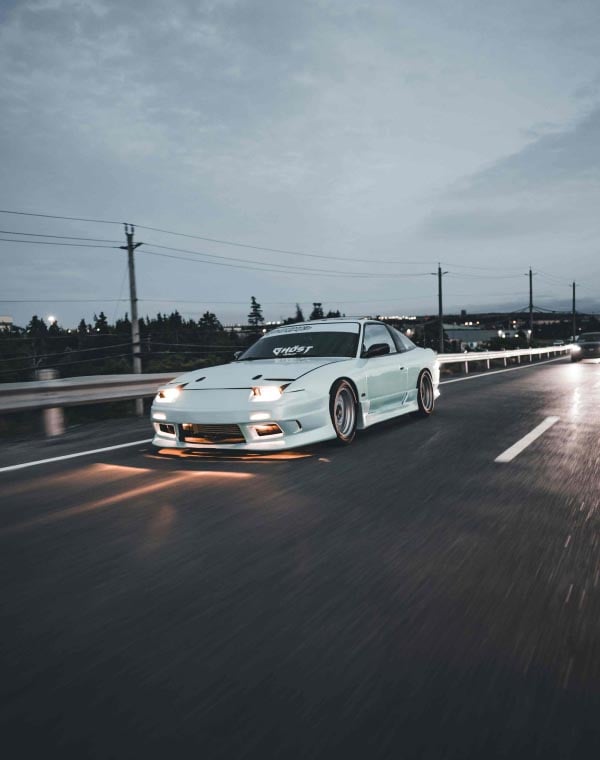
Another consideration is the resolution and aspect ratio of the output. Most tools allow you to set the frame size and duration. Short videos, between two and five seconds, tend to look more convincing than longer ones, because the AI has less time to drift away from the original image. If you need a longer clip, it is often better to generate several short segments and stitch them together, rather than asking the tool to produce a ten-second video in one go.
Where the Technology Is Headed
The field of video generation is advancing rapidly, and image-to-video tools are at the forefront of that change. We are already seeing models that can take a single photo and produce a multi-shot video with different camera angles, something that seemed impossible just a couple of years ago. The integration of text prompts with image input is also becoming common, allowing users to describe the desired motion in plain language, such as "waves crashing on the shore" or "a cat stretching."
One of the biggest hurdles remaining is handling human figures consistently. A person's face is a complex, highly recognizable structure, and any distortion, even for a single frame, is immediately noticeable. Current tools are getting better at preserving facial identity, but there is still room for improvement. Similarly, generating realistic hands and fingers, which are notoriously difficult for AI, remains a challenge in many outputs.
Another area of active research is the generation of audio that is temporally aligned with the video. Right now, most tools either add a generic soundtrack or let you attach your own audio manually. The next generation of models will likely produce sound effects that match the on-screen action, such as footsteps that sync with a walking figure or rain that intensifies as the scene darkens. This would make the entire workflow from still image to finished video truly end-to-end.
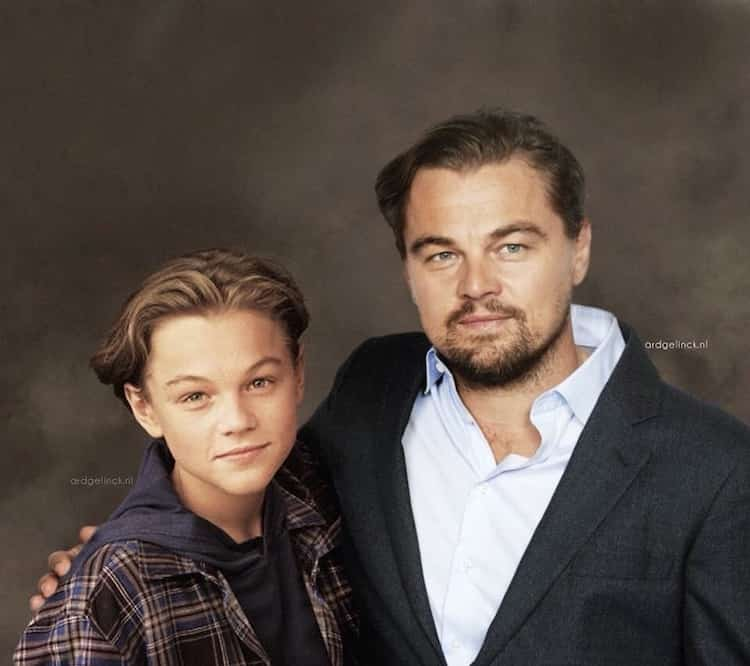
For anyone curious about experimenting with this technology, the entry point is lower than ever. Many web-based tools offer free tiers or trial periods, and the results can be surprisingly good with just a few tries. The key is to approach it with a spirit of experimentation. Try different images, different motion settings, and see what works for your specific use case. Over time, you will develop a sense for which inputs give the best output and how to combine the results with other editing tools to create polished videos.
In the end, the ability to breathe life into a single photograph is a powerful creative tool. Whether you are a professional looking to streamline your production workflow or a hobbyist wanting to tell a story in a new way, understanding how image-to-video AI works and what it can and cannot do will help you get the most out of it. As the technology matures, the gap between a still image and a full video will continue to shrink, making it an exciting time to explore what is possible.